


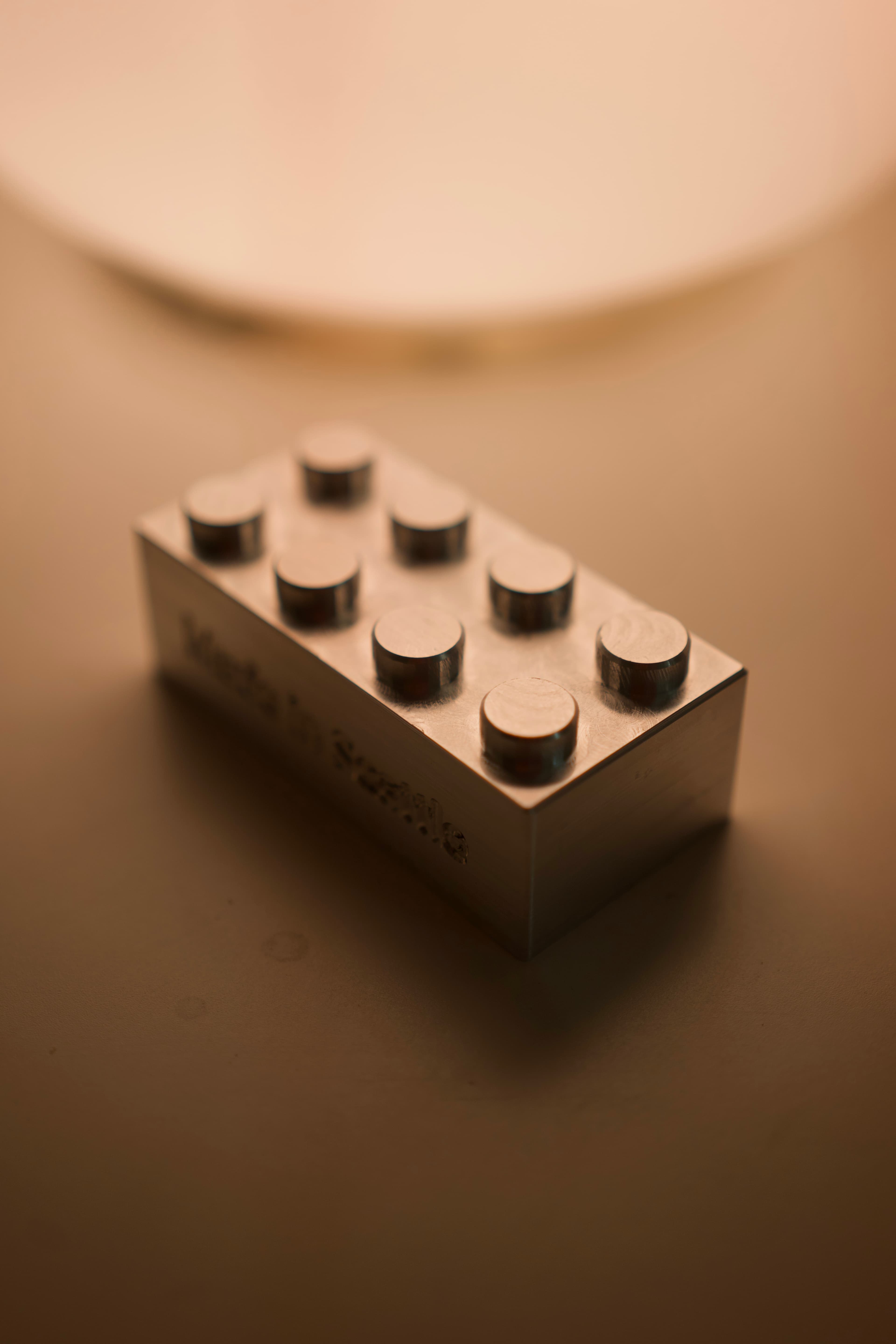
 finished lego
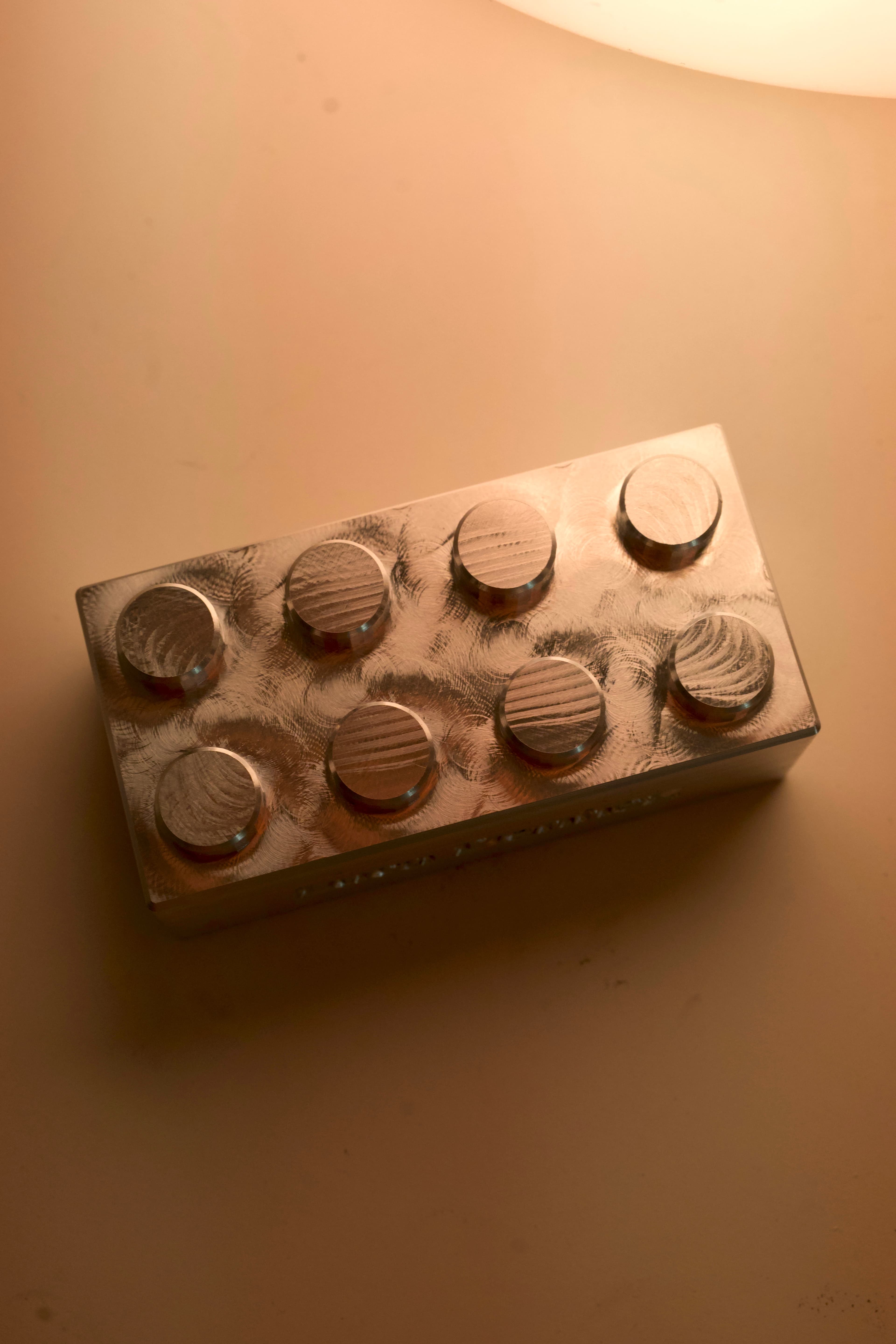 top of lego
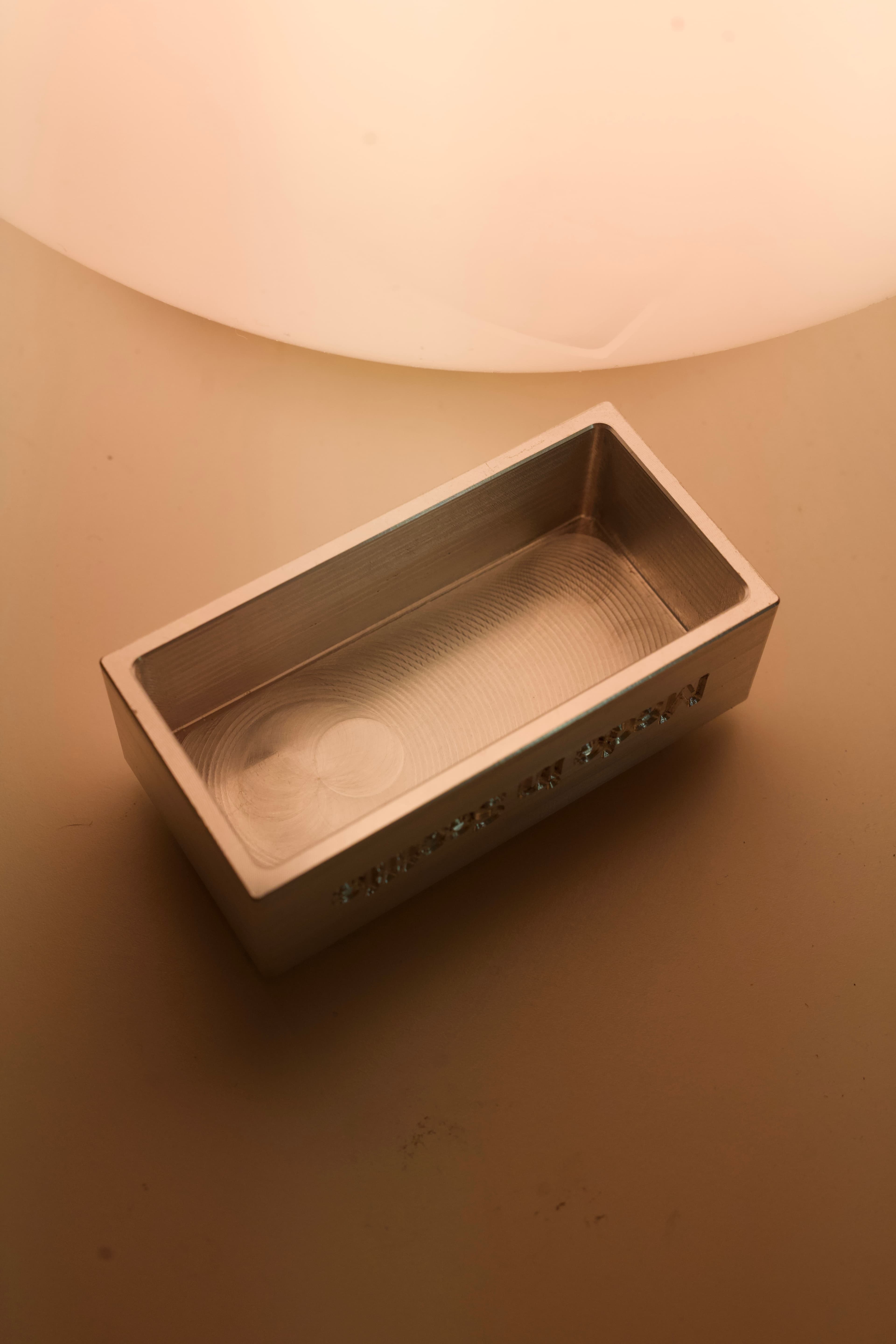 underside of lego
For a long time I have been fascinated by CNC. Taking materials like aluminium, putting them in this big machine, and programming it to precisely cut these super strong, beautiful parts.
For the most part, CNC has been out of reach because of the cost. Nowadays it's awesome to see all the desktop CNC Kickstarter machines starting to go on the market, but as a college student that's also a bit out of reach haha.
However, the machine shop at Seattle University has a Haas VF2 CNC machine. Automatic tool changer, tool probe, work probe, and a rotary turntable.
No one quite yet knows how to use the machine because the original faculty who took delivery of the machine and used it are no longer at SU, but I was eager to use this machine. Both to learn how to use it to make my own parts, but also to teach others how to use it at SU.
So begins my journey to learn how to use a 4 axis Haas CNC mill.
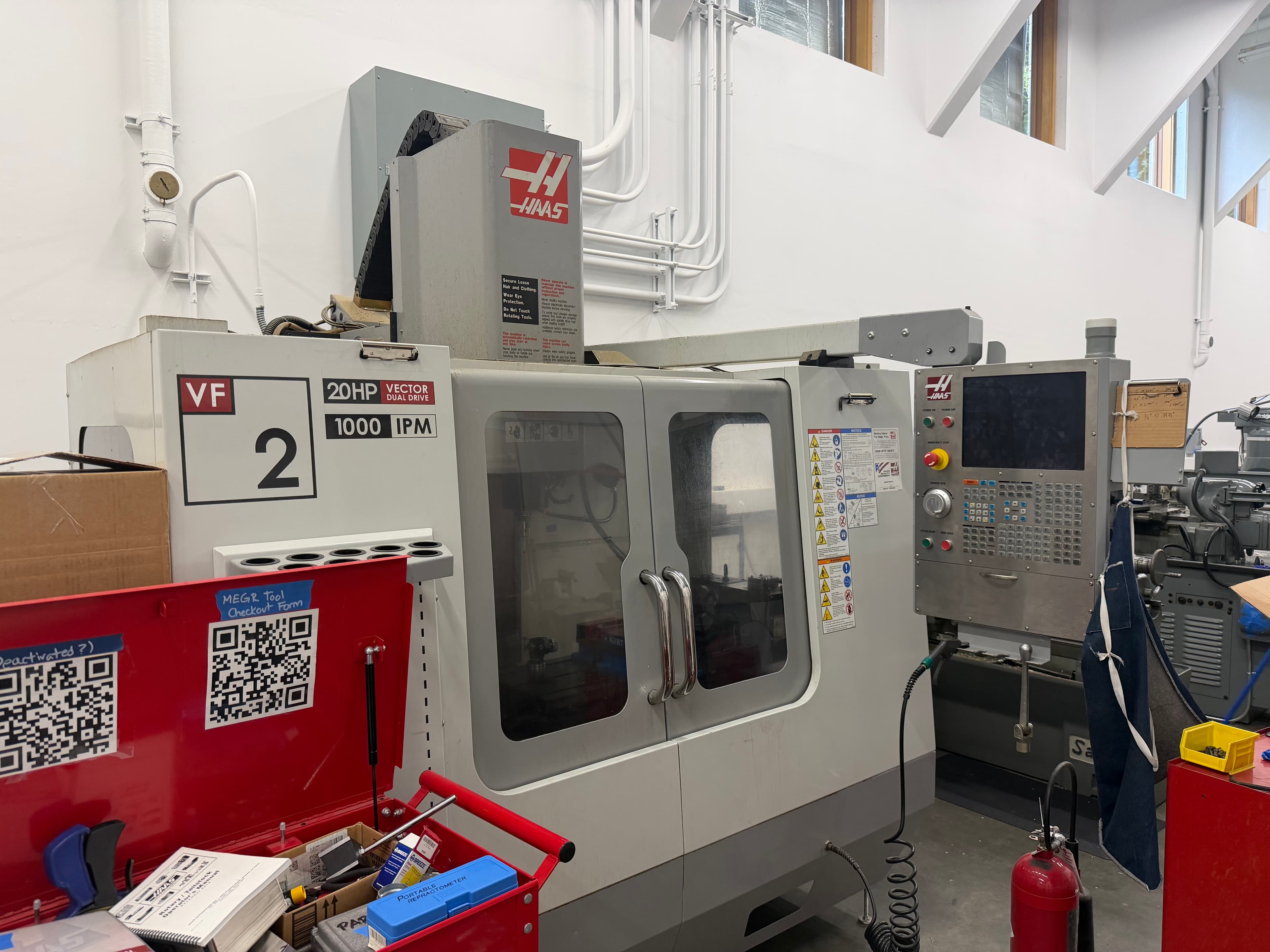 outside of haas vf2
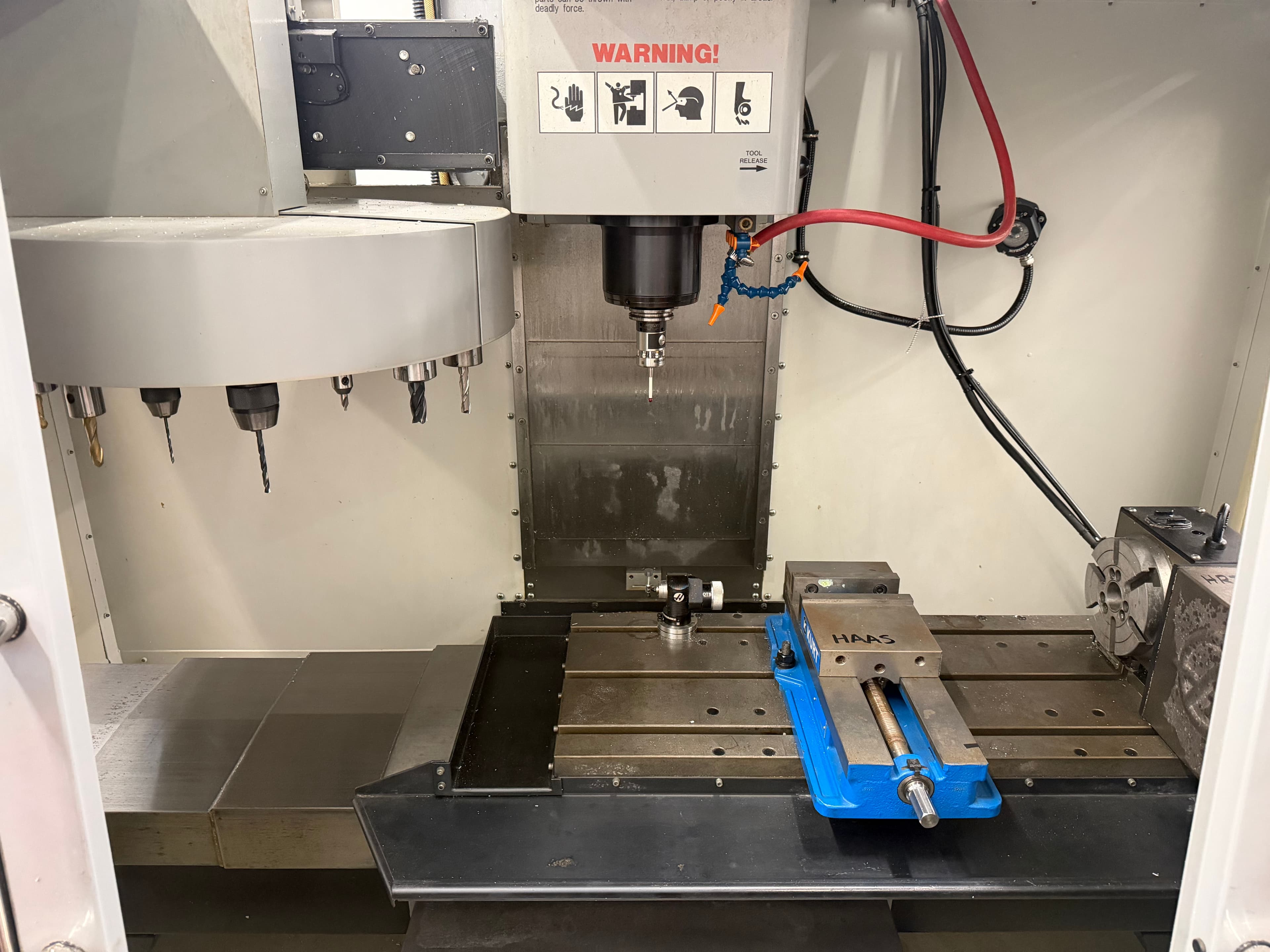 inside of haas vf2
A probe allows me to edgefind my part super quickly to align the origin I set in my CAM code (Computer Aided Manufacturing) to the real-world origin of my part. This is as opposed to using a typical edge-finder you would use in a manual mill, where you would touch off on each face until the parts of the edge-finder are concentric.
It also has many fancy features I am excited to use, such as finding the centers of bores, bosses, pockets, and more. So far, I have stuck with finding the edge on the XY plane, and seperately the top surface of the part on the Z plane.
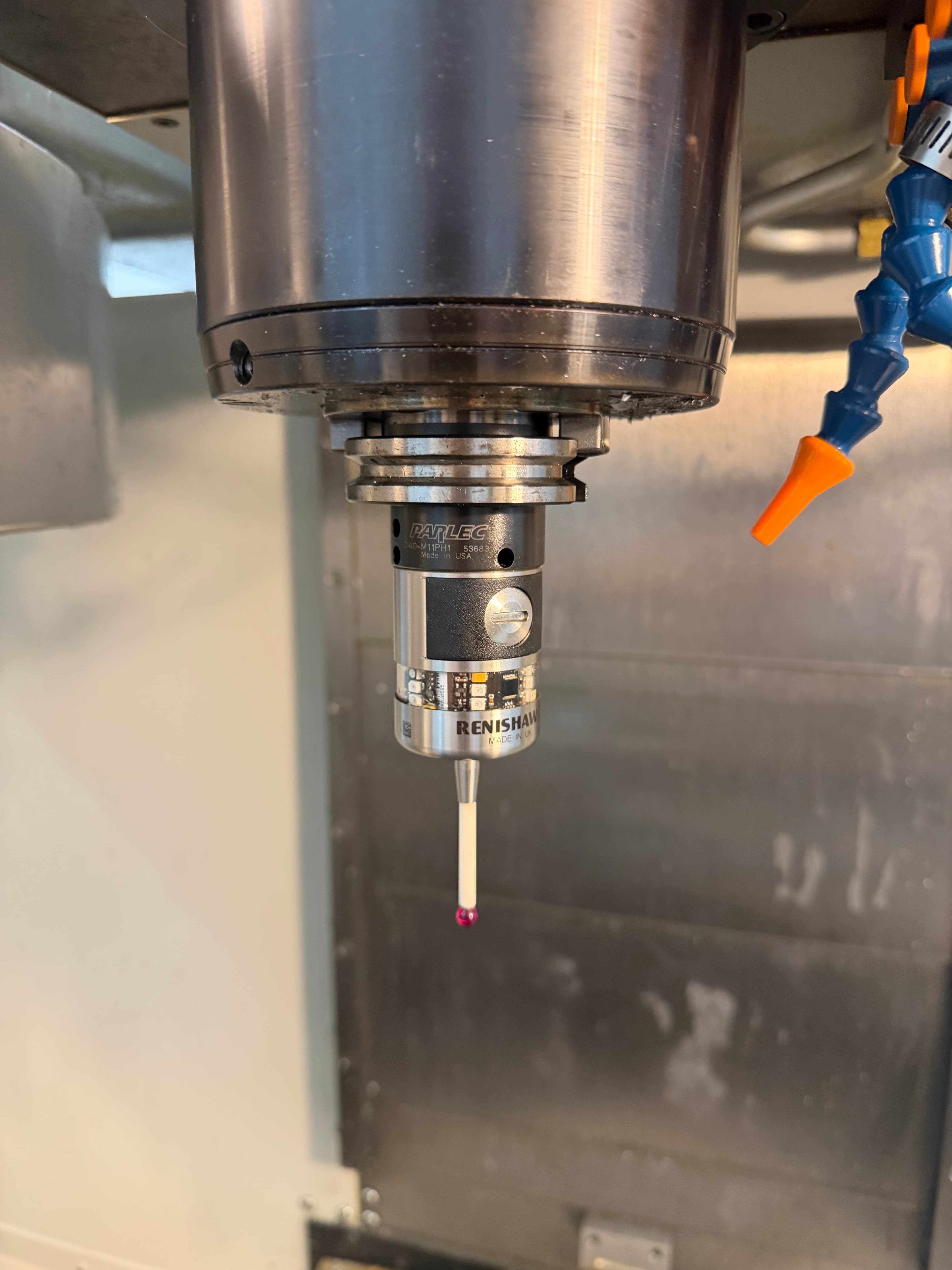 haas probe tool
Another excellent addition our machine is equipped with is an automatic, umbrella style tool changer. It can hold 20 40-taper chucks, which allows you to run your toolpath with multiple tools, and not need to manually change the tool yourself. Super nice.
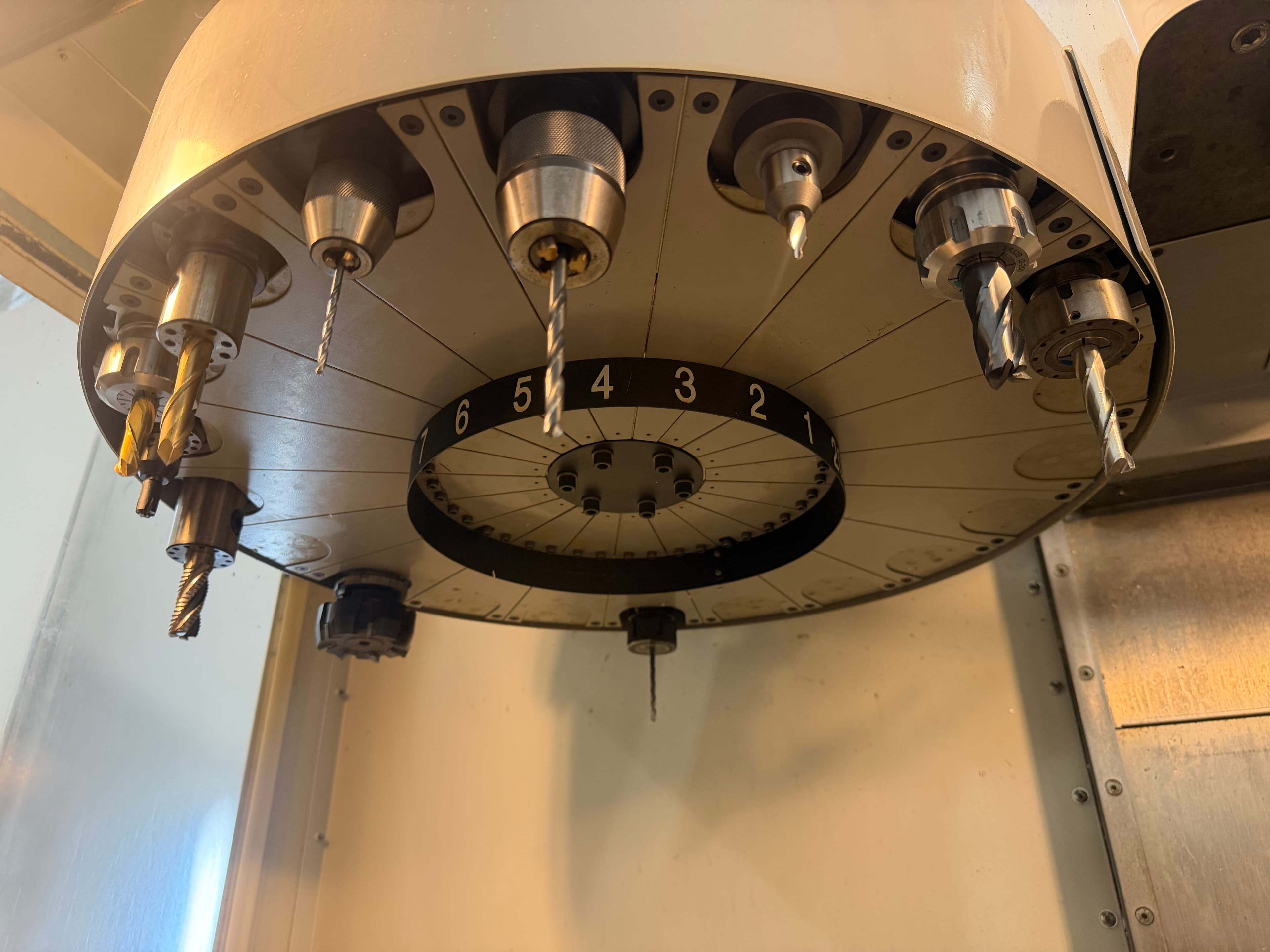 umbrella tool changer
This tool probe will automatically gather information about the tool inserted, such as its exact height and diameter.
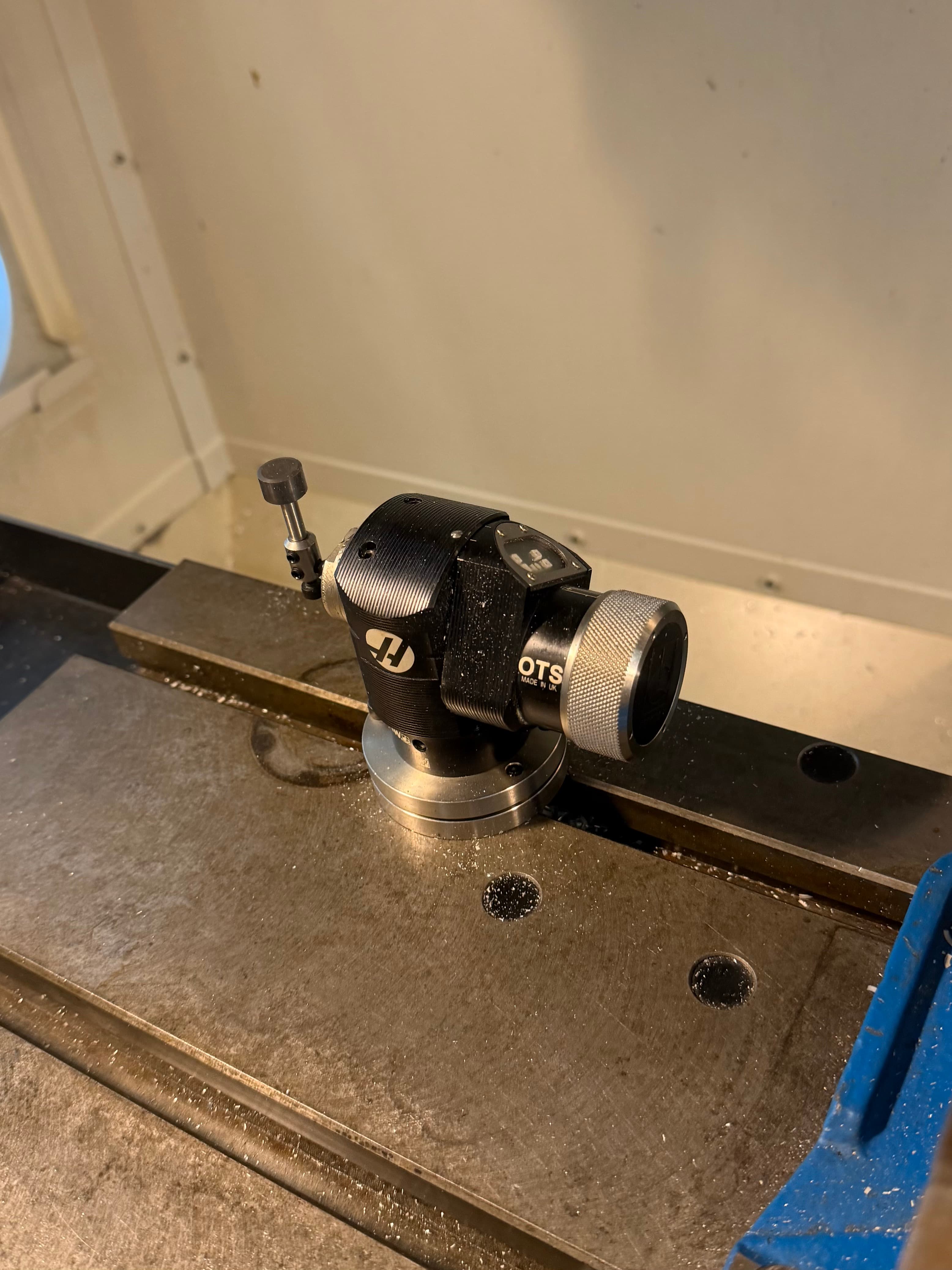 haas tool probe
The "Control" as Haas calls it is a control panel that lets you do basically anything to the machine. Here is a small rundown of the sections:
Hand Jog
Move the table (X and Y direction) and the spindle (Z direction) by hand wherever you would like. Distance moved can be specified up to .1" per click. Set tool offsets, probe work
MDI/DNC
Run any arbitary Gcode on the machine without a pre-programmed file. Basically a terminal. Can advance toolchanger to a specific position with code. "T20" to advance to tool #20.
Mem
Display the Gcode file loaded in memory that the machine will run.
Zero/Ret
Zero various axis's of the machine. You do this each time you turn on the machine.
List Prog
List all the Gcode files on the inserted USB stick and the onboard memory. Allows copying from the USB to the onboard memory.
Overrides
Change the speed the spindle spins at, the speed the machine is cutting through the part at, and the speed between cuts when the spindle is moving through the air. This overrides the speeds you have programmed in your Gcode. Useful if you need to speed something up you programmed too slow, or vice versa. Or to move very slowly through something in case you think it's going to act unexpectedly.
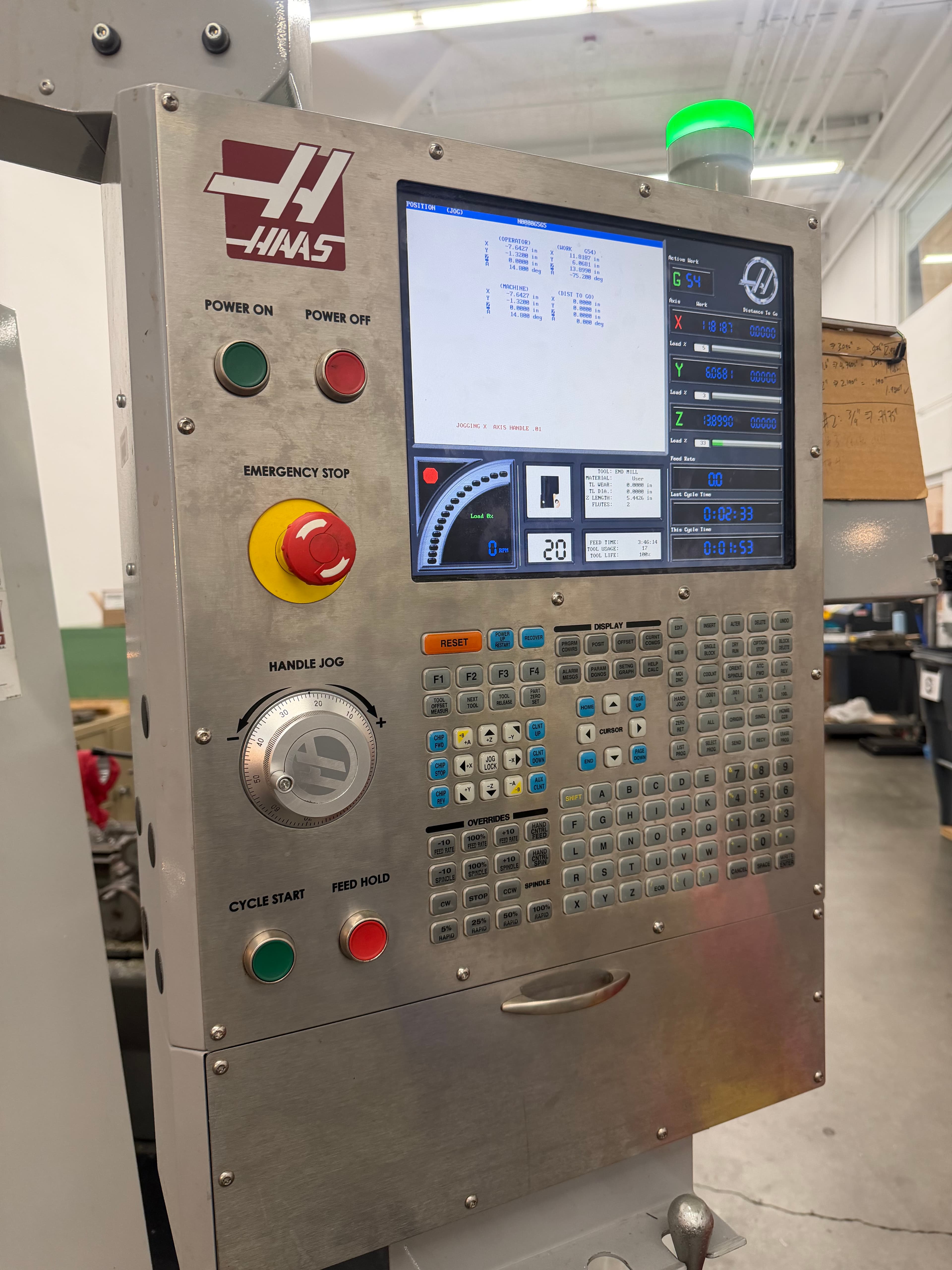 haas vf2 controller
Work in progress.